Running a High-Volume Photo Activation for a University Event
Why photo activations work on campus
University events bring together hundreds of students, faculty, and staff in a short window. Whether it's an orientation fair, a homecoming celebration, or a welcome week, the energy is high and attention spans are short. A photo activation that can handle that kind of traffic without slowing down or creating frustration is a valuable addition. But pulling it off at a high volume requires more than just setting up a camera and hoping people line up nicely. You need a plan for throughput, brand consistency, and guest experience that works at scale.
Start with the layout
Before you think about props or backdrops, think about space. A high-volume activation needs to move people through in an orderly way. The most common mistake is placing the photo station in a narrow hallway or a corner where lines can only form in one direction. Instead, choose an open-air layout that gives you room to manage the flow from multiple sides. A wide, open space lets you set up a clear entry point, a shooting area, and an exit that doesn't cross the incoming line.
Consider the sightlines too. If guests can see the photo station from across the room, they'll gravitate toward it naturally. That's good for engagement, but it also means you need to anticipate the crowd. Place the activation where it's visible but not blocking major walkways. If possible, have a dedicated queue area marked with stanchions or floor decals. This signals to people where to stand and reduces confusion.
Plan for throughput before the event
Throughput is the number of guests who can complete the photo experience per hour. For a campus event, you might need to handle several hundred people in a two-hour window. That requires a setup that minimizes idle time. A single photo station with one camera and one attendant might handle about 60 to 80 guests per hour if each interaction takes 30 to 45 seconds. If you expect more, consider adding a second station or a roaming option that can capture smaller groups away from the main line.

A roaming option works well for events where people are spread out, like a campus quad or a multi-building festival. A portable setup with a tablet and a printer can move through the crowd, capturing groups where they are. This reduces pressure on the main station and keeps the experience feeling spontaneous rather than like a chore.
Keep line management simple
Line management is about more than just keeping order. It's about maintaining energy and preventing frustration. When people wait too long, they lose interest or complain. Keep the wait time under five minutes if possible. If the line grows long, have an attendant walk along it with a tablet or a small sign showing the next available slot. This gives people a sense of progress and reduces anxiety.
Another tactic is to use a QR gallery system. Guests scan a code as they enter the line, and their photos appear in a digital gallery after the event. This lets them skip the printing step and move through the station faster. It also gives you a way to collect contact information for follow-up communication, which is useful for student engagement and future event marketing.
Brand the experience without overcomplicating it
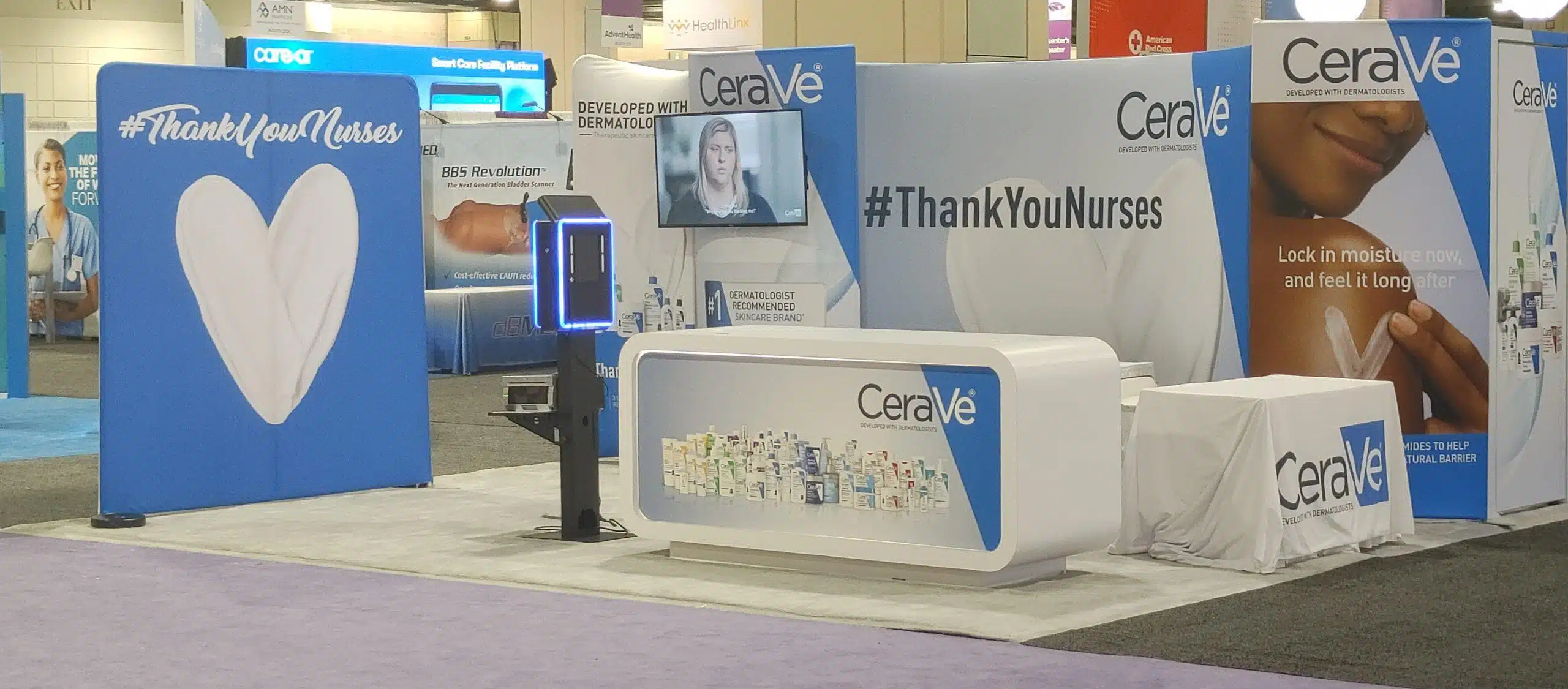
School branding is a big part of campus photo activations. Students want to show their school pride, and the university wants consistent visual messaging. But branding doesn't have to mean a custom backdrop for every event. A clean, branded frame overlay that appears on the final photo is often enough. You can also use a green screen with a virtual background that includes the school logo and event name. This keeps the physical setup simple while still delivering a branded result.
Watch out for over-design. Too many logos or cluttered graphics make the photo look busy and reduce shareability. Stick to one or two brand elements and keep the rest of the frame clean. The goal is a photo that students will want to post on social media, not one that looks like an advertisement.
Staff the activation properly
Even the best equipment needs a human touch. For a high-volume event, plan on at least one attendant per station. That person handles the flow, resets the camera, and helps guests with poses or props. A second attendant can manage the line, hand out props, and keep the area tidy. If you're using a roaming option, assign one person to carry the gear and another to interact with guests. Two people per roaming unit is ideal.
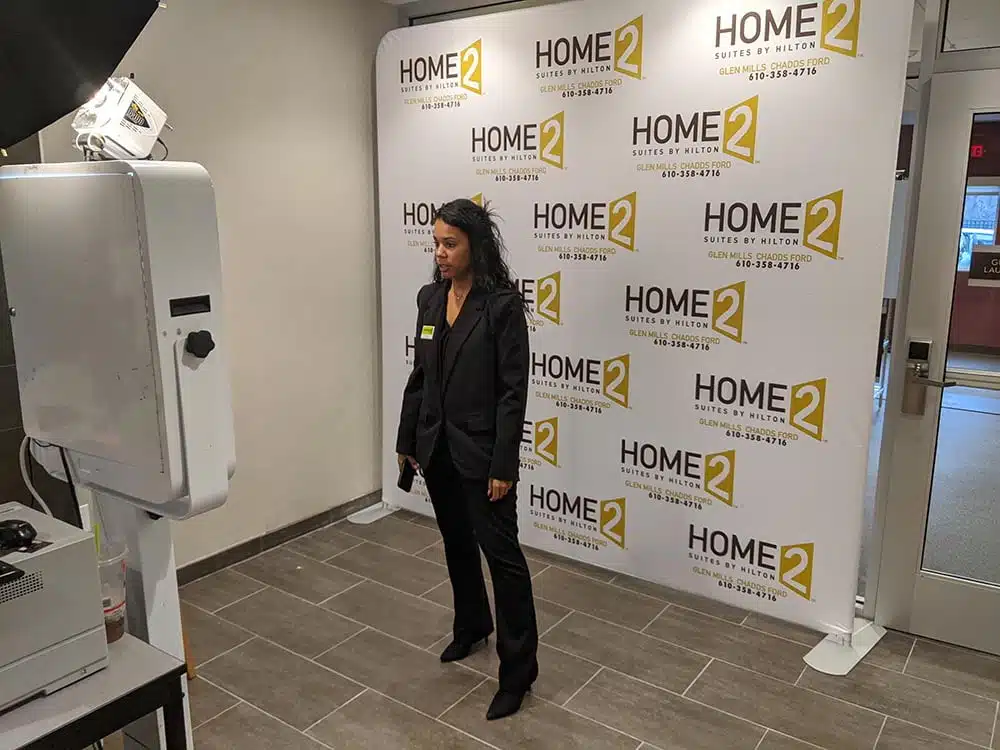
Train the attendants before the event. They should know how to troubleshoot common issues like a frozen screen or a paper jam. They should also know how to direct guests politely when the line gets long. A friendly, professional tone makes a big difference in how guests perceive the experience.
At this point it's worth noting that a company like Philly Photo Booths provides exactly this kind of branded photo activation for campuses across the Mid-Atlantic. Their setups are designed for high throughput and include options like green screen, AI enhancements, and QR galleries. While you can certainly run your own activation with rented gear, working with an experienced provider removes a lot of the guesswork around staffing, equipment reliability, and on-site troubleshooting.
Test the tech before the crowd arrives
Nothing kills momentum like a camera that won't sync or a printer that jams after the first ten photos. Arrive early and run through the full cycle: photo capture, editing (if any), printing or gallery upload, and reset. Test the lighting at different times of day if your event runs from afternoon into evening. For indoor events, check that the flash or continuous lights don't create harsh shadows on faces.
Have backup gear on hand. A spare camera, a second printer, and extra batteries can save the event if something fails. For AI-enhanced activations, make sure the software is updated and the internet connection is stable. A dropped connection mid-event can cause long delays and frustrated guests.
Think about the end of the event
The last hour of a campus event is often the busiest as people stop by before leaving. Plan for a surge. Keep the line moving and consider offering a simpler option, like a solo portrait instead of a group shot, to speed things up. Have an attendant start wrapping up the digital gallery or printing queue well before the scheduled end time so you don't leave people waiting for photos that never come.
After the event, share the gallery link quickly. Students are likely to check their phones within an hour of leaving. A fast turnaround increases the chance that they'll post their photos and tag the school. That's free promotion for the next event.
Final considerations
A high-volume photo activation on a university campus is a balancing act. You need enough capacity to handle the crowd, enough branding to satisfy the school, and enough simplicity that guests don't feel rushed or confused. Focus on throughput, layout, and line management first. Everything else follows from those decisions. If you keep the experience smooth and the photos shareable, the activation will do its job: engage students, create memories, and strengthen the connection to the school.